
Digital culture



Una bona acollida digital de l’alumnat tant de nova incorporació com el que continua en el centre és un aspecte que afavoreix l’equitat i la inclusió. D’altra banda, l’acollida digital del nou professorat, a l’inici i a mig curs, és un element clau per a la seva incorporació a l’escola. Per tal de facilitar aquesta tasca l’Escola d’Art i Disseny de la Diputació de Tarragona a Reus ha dissenyat una guia d’actuació.
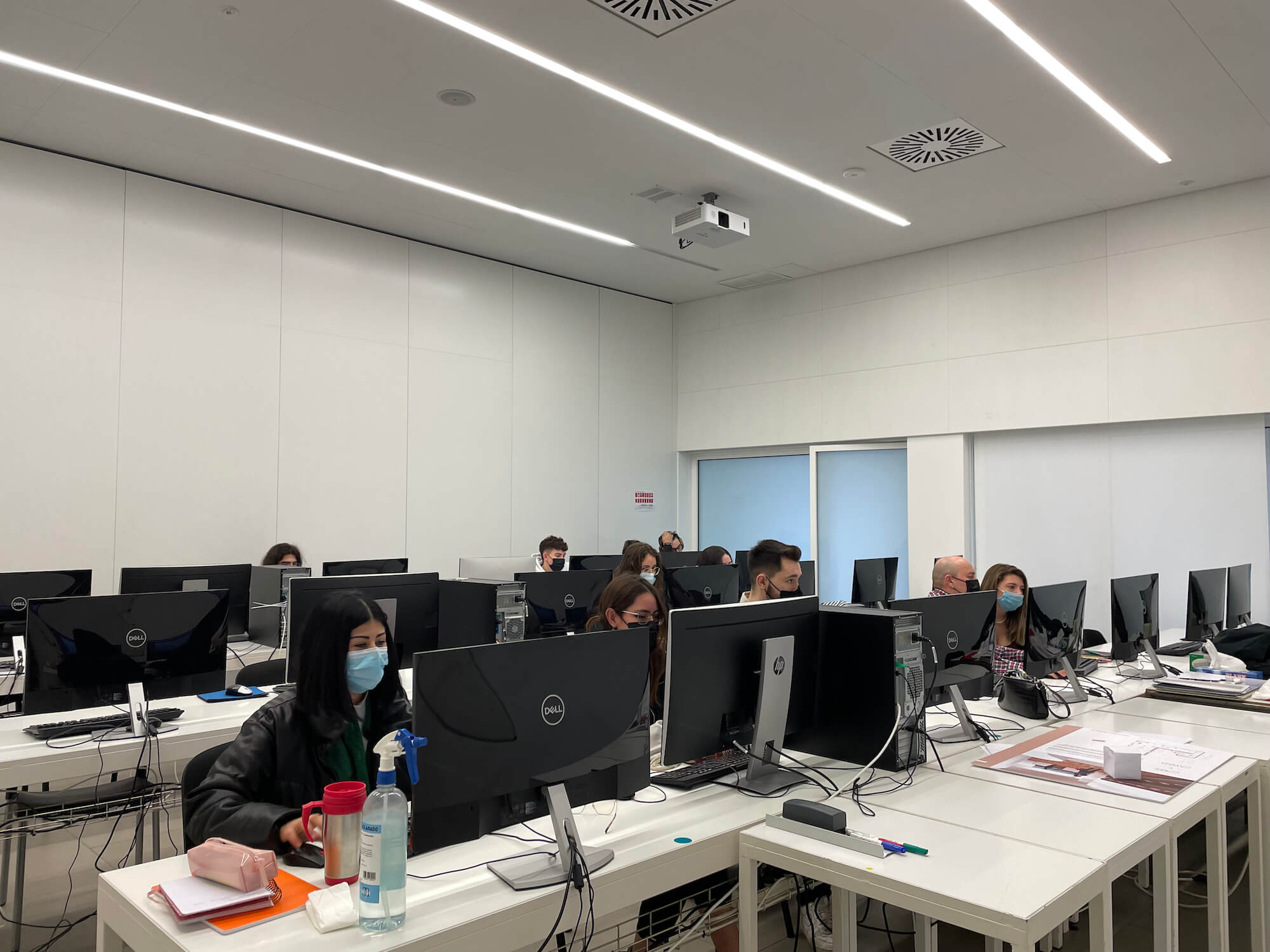
A l’Escola d’Art i Disseny de la Diputació a Reus tenim dos perfils d’alumnes, els d’estudis reglats: Cicles Formatius de Grau Superior i l’alumnat de cursos monogràfics, ambdós perfils conformen la nostra escola com un centre versàtil i heterogeni. L’acollida de nous membres de la comunitat educativa requereix atenció i és molt important donar a conèixer el funcionament del centre i fer-los partícips.
Entre els protocols que ha de recollir l’apartat de Cultura digital d’un centre en el marc de l’Estratègia Digital de Centre (EDC), trobem el Pla d’acollida digital de l’alumnat de nova matrícula (ja sigui d’estudis reglats o bé de cursos monogràfics), l’alumnat repetidor, l’alumnat que es matricula al projecte final de cicle, l’alumnat de segon curs i el nou professorat. També recollim el llistat d’actuacions informàtiques prèvies a l’inici de curs i el programari amb el que treballem en els diferents cicles/cursos monogràfics. Disposar d’un protocol ens pot aportar eficiència. L’elaboració d’aquests protocols és una de les funcions de la Comissió d’estratègia digital, així com l’avaluació del seu compliment.
STUDENTS
Whether students join the school at the start of the academic year or during the course, they must be provided with all information regarding the school’s digital culture. Special attention should be given to students with Special Educational Needs (SEN) and newcomers, where the tutor plays a key role in adapting and tailoring information and resources.
Additionally, all student information must comply with data protection laws, both for new data and for information generated, for example, when preparing and transferring student reports between tutors and teaching teams.
Therefore, the student digital induction plan should cover the following aspects:
AT THE TIME OF ENROLLMENT
-
Data of students joining during the year. In case of mid-year enrollment, all teaching staff will be informed via a mobile messaging group, and updated lists will be uploaded automatically to the virtual staff room in Google Workspace. These lists include only students’ first and last names.
-
The communication procedure should also indicate activation in the school’s digital services (Google Workspace) once the responsible staff have created the account. (Protocol detailed below).
WORK ENVIRONMENTS
-
Student school email. Provided and registered internally.
-
Access password for the school’s reprography service.
-
School website. Students will be informed of content.
-
Google Workspace account.
-
Digital culture: access to NOFC, school protocols for device use, social media, commitment letter, etc.
Students can access classrooms when no class is in session; schedules will be posted on each door. Morning students can work in the afternoon, and afternoon students in the morning, depending on classroom availability.
GOOGLE WORKSPACE STUDENT ONBOARDING
Mailing to newly enrolled students:
Dear students,
You have received an email to activate a Google Workspace account. This platform manages module content. Through it, you can access academic information, materials, and submit assignments.
-
You have 48h to activate before the password expires.
-
Please activate it as soon as possible.
-
Set a memorable password to use daily in class.
-
PDF attached contains Classroom codes for your courses.
-
Teachers who haven’t added codes will provide them on the first day.
How to access:
-
Your school email: firstname.lastname@eadr.dipta.cat
-
Go to gmail.com, log out of previous sessions, log in with your password.
-
Top right: 9-dot Google Apps menu → select Classroom.
-
Click and log in as a student.
-
Top right: + → Join class → enter code from PDF.
-
Repeat for each subject.
Process should be done promptly; contact us if needed. Takes less than 5 minutes.
(Same procedure applies to repeating students, second-year students, and Final Project students, keeping existing accounts, passwords, and Drive content.)
TEACHERS
New teachers require a formal general induction, including digital induction, both for September arrivals and those joining during the year.
WORK ENVIRONMENTS
-
Xtec account: if unavailable, the director manages it. Required for communication and pedagogical programs.
-
Access to intraDt: view/change attendance, requests, personal data, internal news.
-
School corporate email: essential for communication.
-
Google Workspace via gmail (firstname.lastname@eadr.dipta.cat
).
-
Reprography service password.
-
School social media: Instagram, Twitter, Facebook, YouTube, Vimeo (contact communication team).
-
School website: contact communication team for publishing content.
-
Digital culture: access to NOFC, protocols, commitment letter, PEC, PAT, digital strategy, portals, descriptors, communication plan, procedures for device issues, council agreements, teacher digital training plan.
-
Image bank: computer with external HDD in staff room; images archived by year/theme; uploaded to cloud at year-end.