

Digital culture


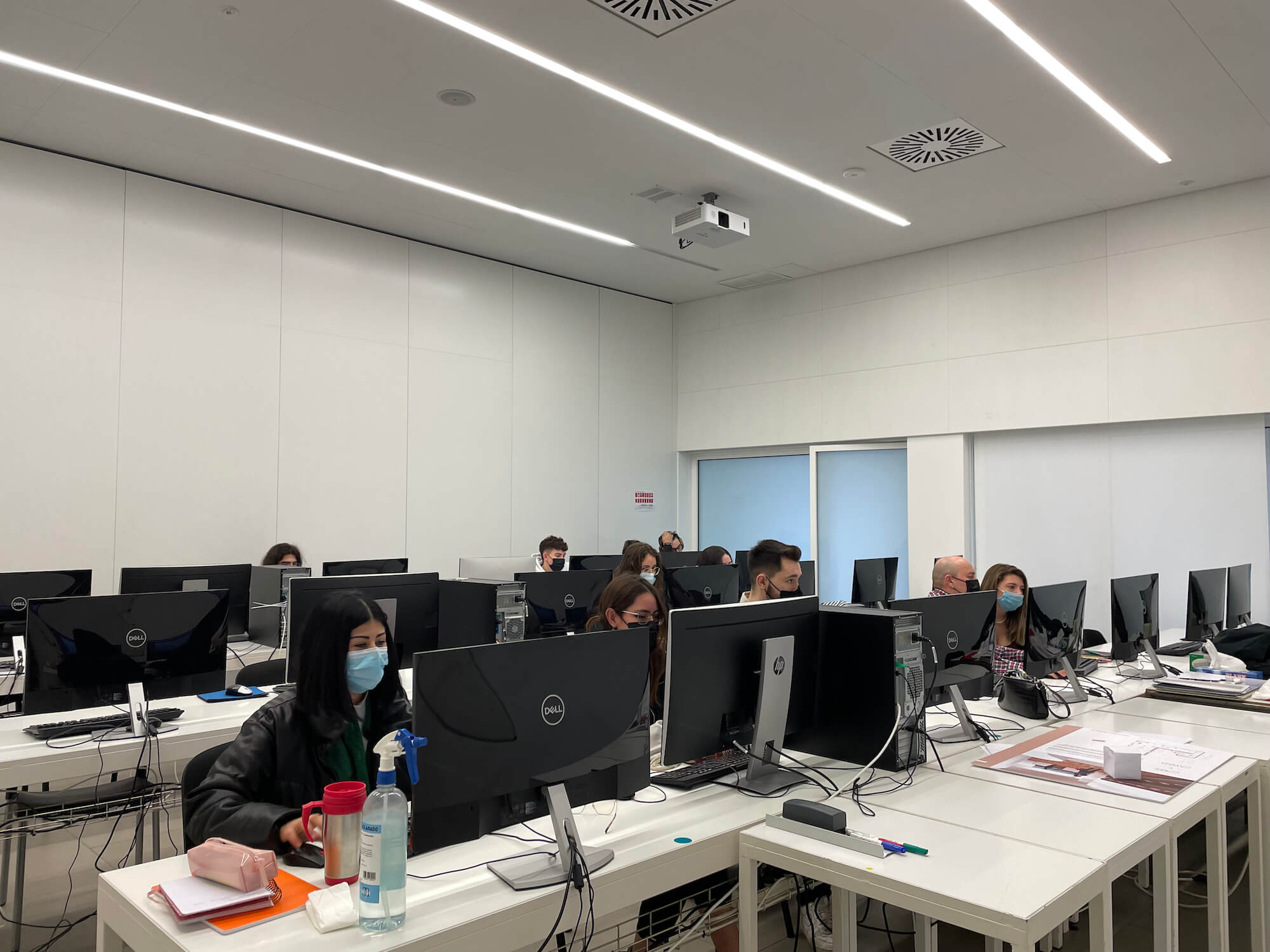

A good digital welcome for students, both new entrants and those continuing at the centre, is an aspect that promotes equity and inclusion. On the other hand, the digital welcome for new teaching staff, at the beginning and mid-course, is a key element for their integration into the school. To facilitate this task, the School of Art and Design of the Diputació de Tarragona in Reus has designed an action guide. At the School of Art and Design of the Diputació in Reus, we have two profiles of students: those in formal studies (Higher Level Vocational Training cycles) and students in monographic courses; both profiles make our school a versatile and heterogeneous centre. Welcoming new members of the educational community requires attention, and it is very important to make them aware of the centre’s functioning and involve them. Among the protocols that should be included in the Digital Culture section of a centre, within the framework of the Centre Digital Strategy (EDC), we find the digital welcome plan for newly enrolled students (whether in formal studies or monographic courses), repeating students, students enrolling in the final cycle project, second-year students, and new teaching staff. It also includes a list of IT actions prior to the start of the course and the software used in the different cycles/monographic courses. Having a protocol can provide us with efficiency. The preparation of these protocols is one of the functions of the Digital Strategy Committee, as well as evaluating their compliance.
STUDENTS
Whether students join the school at the start of the academic year or during the course, they must be provided with all information regarding the school’s digital culture. Special attention should be given to students with Special Educational Needs (SEN) and newcomers, where the tutor plays a key role in adapting and tailoring information and resources.
Additionally, all student information must comply with data protection laws, both for new data and for information generated, for example, when preparing and transferring student reports between tutors and teaching teams.
Therefore, the student digital induction plan should cover the following aspects:
AT THE TIME OF ENROLLMENT
-
Data of students joining during the year. In case of mid-year enrollment, all teaching staff will be informed via a mobile messaging group, and updated lists will be uploaded automatically to the virtual staff room in Google Workspace. These lists include only students’ first and last names.
-
The communication procedure should also indicate activation in the school’s digital services (Google Workspace) once the responsible staff have created the account. (Protocol detailed below).
WORK ENVIRONMENTS
-
Student school email. Provided and registered internally.
-
Access password for the school’s reprography service.
-
School website. Students will be informed of content.
-
Google Workspace account.
-
Digital culture: access to NOFC, school protocols for device use, social media, commitment letter, etc.
Students can access classrooms when no class is in session; schedules will be posted on each door. Morning students can work in the afternoon, and afternoon students in the morning, depending on classroom availability.
GOOGLE WORKSPACE STUDENT ONBOARDING
Mailing to newly enrolled students:
Dear students,
You have received an email to activate a Google Workspace account. This platform manages module content. Through it, you can access academic information, materials, and submit assignments.
-
You have 48h to activate before the password expires.
-
Please activate it as soon as possible.
-
Set a memorable password to use daily in class.
-
PDF attached contains Classroom codes for your courses.
-
Teachers who haven’t added codes will provide them on the first day.
How to access:
-
Your school email: firstname.lastname@eadr.dipta.cat
-
Go to gmail.com, log out of previous sessions, log in with your password.
-
Top right: 9-dot Google Apps menu → select Classroom.
-
Click and log in as a student.
-
Top right: + → Join class → enter code from PDF.
-
Repeat for each subject.
Process should be done promptly; contact us if needed. Takes less than 5 minutes.
(Same procedure applies to repeating students, second-year students, and Final Project students, keeping existing accounts, passwords, and Drive content.)
TEACHERS
New teachers require a formal general induction, including digital induction, both for September arrivals and those joining during the year.
WORK ENVIRONMENTS
-
Xtec account: if unavailable, the director manages it. Required for communication and pedagogical programs.
-
Access to intraDt: view/change attendance, requests, personal data, internal news.
-
School corporate email: essential for communication.
-
Google Workspace via gmail (firstname.lastname@eadr.dipta.cat
).
-
Reprography service password.
-
School social media: Instagram, Twitter, Facebook, YouTube, Vimeo (contact communication team).
-
School website: contact communication team for publishing content.
-
Digital culture: access to NOFC, protocols, commitment letter, PEC, PAT, digital strategy, portals, descriptors, communication plan, procedures for device issues, council agreements, teacher digital training plan.
-
Image bank: computer with external HDD in staff room; images archived by year/theme; uploaded to cloud at year-end.